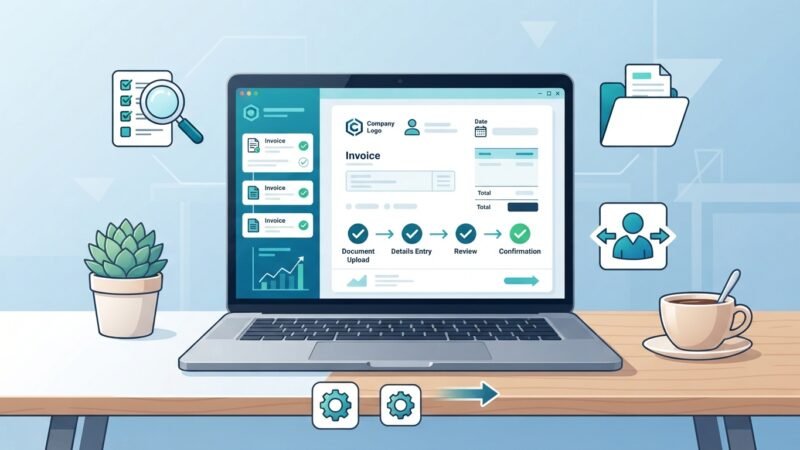
How to open a MEI in 2026: requirements, costs, obligations and limits you need to check

If your intention is to open a MEI in 2026, this text explains in practical terms what you need to do, which documents are requested, what obligations you will have and how to avoid improper charges. Here you will find a clear step-by-step guide to use the official channels and verify whether your activity is allowed.
Operational rules (revenue limits, number of employees allowed, rates and forms) are defined by the federal government. I point out where to consult the official sources and explain practical precautions; if you need individual recommendations, seek an accountant or professional guidance. Menus, limits and procedures can change — check the government links at the end.
Practical step-by-step to open your MEI
| Step | Where to do it | Documents / Notes |
|---|---|---|
| 1. Create or access your gov.br account | Portal gov.br | CPF, email, phone. Account levels may vary; prefer a level that allows digital signatures (confirm on the site). |
| 2. Access the Entrepreneur Portal | Entrepreneur Portal on gov.br | Look for the option to formalize as a Microempreendedor Individual (MEI). |
| 3. Enter activity and personal information | Online form | Choose the activity from those allowed for MEI; check the list on the official site. |
| 4. Issue and save the Certificate of Status as Microempreendedor Individual (CCMEI) | After completing registration | Document containing the CNPJ and municipal/state registration when applicable. |
| 5. Fulfill initial obligations and routines | Entrepreneur Portal and gov.br | Issue invoices when required, pay the monthly unified payment slip (DAS) and file the annual declaration. |
Essential notes
- Check whether your activity is included on the list of activities allowed for MEI on the official site. Some professions and activities are excluded.
- Registration through gov.br is usually free; be suspicious of charges for services that promise to “speed up” registration without necessity.
- Keep digital copies of the CCMEI and the registration receipt.
Recurring obligations and how to comply
After registration, there are simplified tax and labor obligations. In general terms, the MEI needs to:
- Pay the monthly unified collection document (DAS) — check on gov.br how to generate the payment slip.
- Submit the MEI annual declaration (name and format of the document may change; consult the Entrepreneur Portal).
- Issue invoices when selling to other companies or when municipal law requires it — invoicing rules vary by city.
- If you hire an employee, follow the applicable labor rules (the MEI regime allows hiring one employee, according to official guidance).
Common mistakes when opening a MEI (and how to avoid them)
- Trying to register without confirming whether the activity is eligible — consult the list on the Entrepreneur Portal before submitting the request.
- Using non-official websites or services that charge for registration — formalization on gov.br is the recommended, free route.
- Not keeping proofs (CCMEI, paid DAS slips, annual declaration) — keep a digital archive and backups.
- Forgetting to issue an invoice when required — check with your city hall about local rules.
Limits and risks you need to check
MEI operational conditions, such as the annual revenue limit, number of permitted employees and contribution amounts, are published and updated by the federal government. Check the official pages before deciding to formalize, because these limits can change.
Practical risks:
- Exceeding the revenue limit may require migration to another tax regime; check the official procedures and deadlines.
- Hiring without complying with labor obligations can generate liabilities; follow official guidance and consult an accountant when in doubt.
- Scams and improper charges: always confirm that you are on the gov.br domain and that slips and guides are generated by the official system.
Quick checklist before formalizing
| Item | Done? |
|---|---|
| I have a valid CPF and access to email | |
| I created/updated my gov.br account | |
| I verified that my activity appears on the list of permitted activities | |
| I saved a copy of the CCMEI after registration | |
| I know the monthly obligations and the need for the annual declaration |
Frequently asked questions
- How much does it cost to open a MEI? Registration through the Entrepreneur Portal/gov.br is done on the official site; regular costs related to the monthly contribution (DAS) depend on the tax categories and can be checked on gov.br. Do not pay for unnecessary services.
- Can I open a MEI if I already own another business? It depends on your fiscal and legal situation; classification and limits are detailed in the official guidelines. For specific doubts, consult an accountant.
- How do I avoid scams when opening the MEI? Use only the gov.br domain and the Entrepreneur Portal. Be suspicious of charges for services that promise to “speed up” something the government provides free of charge.
Sources and updates
Always consult the official channels to confirm rules, limits and procedures:
This content is informational and does not replace individual professional advice.

Michael Rowan is a dedicated writer and researcher specializing in Personal Finance and Investments. With a passion for helping individuals make smarter financial decisions, he creates informative and practical content designed to simplify complex financial topics.