
How to issue NFS-e as a MEI service provider: step-by-step and precautions
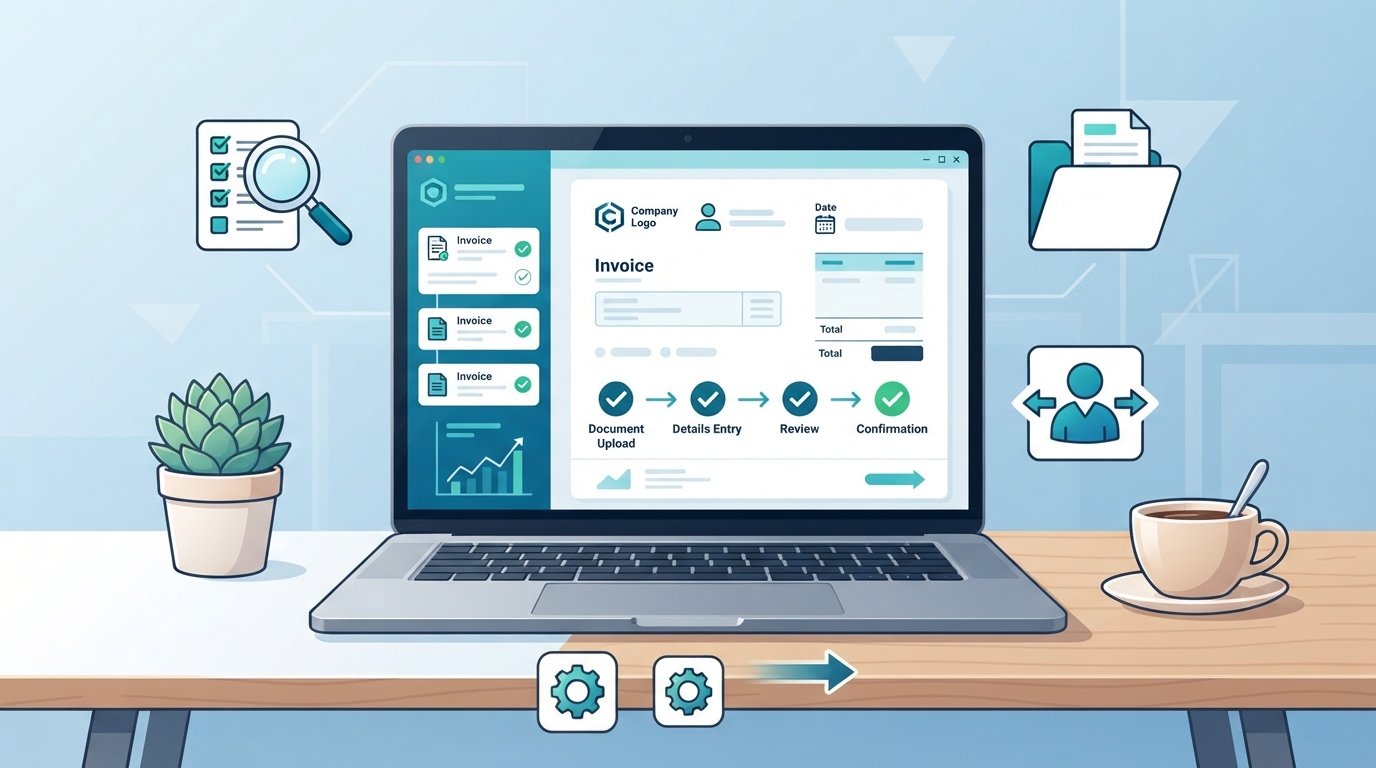
If you are a MEI and provide services, this guide shows, directly and practically, how to issue the Electronic Service Invoice (NFS-e). I present operational steps, essential checks before issuing, precautions when filling in the customer’s information, and how to proceed in case of cancellation or verification using the Emissor Nacional.
The instructions below are informational and based on official guidance; menus, rules and operational limits depend on your municipal government and the national system itself and may change (source: Federal government’s NFS-e Portal). If you need specific advice for your situation, we recommend consulting an accountant or your local city hall.
Practical step-by-step
- Confirm that your activity is a service. A MEI can carry out services and/or commerce; the NFS-e is intended for services. Check your CNAE on your MEI certificate to confirm. If you are unsure about classification, consult your accountant.
- Check municipal requirements. Not every city requires a municipal registration for MEI, but they do require issuing an NFS-e when the service is taxable by ISS. Check your city hall website and the Emissor Nacional: https://www.gov.br/nfse/pt-br. Menus and procedures can change; follow your municipality’s official instructions.
- Register in the appropriate issuer. Some cities use their own system; others allow or require the federal government’s Emissor Nacional. Access the NFS-e portal and choose the issuer indicated by your city. Registration usually requires the MEI’s CPF/CNPJ, municipal registration (when applicable) and contact information.
- Fill in the customer’s data correctly. Essential information: name or corporate name, CPF or CNPJ, full address and, when requested, the customer’s municipal registration. For an individual, the CPF is sufficient; for a company, provide the CNPJ. Errors here are the main cause of rejections by the city or confusion for the client.
- Describe the service clearly. Report the type of service according to your CNAE or the municipal service list (for example: consulting, maintenance, design). Indicate the gross amount, the ISS rate if applicable, and show any withholdings, when present.
- Issue, save and deliver. Generate the NFS-e in the indicated system — the issuer normally allows you to download a PDF and/or XML. Send the invoice to the client by email or provide the PDF. Keep the files for your accounting records.
Difference between a service invoice (NFS-e) and a sales invoice (NFe)
| Aspect | NFS-e (Service) | NFe (Sale of goods) |
|---|---|---|
| Object | Provision of services | Circulation of goods and products |
| Main tax | ISS (municipal) | ICMS (state) and IPI, as applicable |
| Common issuer for MEI | City hall / Emissor Nacional NFS-e | State NF-e systems |
Checklist before issuing
| Item | Checked |
|---|---|
| MEI activity is a service | |
| Municipal registration (when required) active | |
| Customer data (name, CPF/CNPJ, address) | |
| Service description and amount correct | |
| Save PDF/XML after issuance |
Common mistakes and how to avoid them
- Entering the wrong CPF/CNPJ: copy it from the client’s document and confirm before saving.
- Describing the service too generically: use precise terms that make administrative checks and accounting easier.
- Issuing an NFS-e when the service is exempt or when the municipality requires another procedure: verify local rules.
Cancellation and regularization
Cancellation rules vary by municipality and by the chosen issuer. The Emissor Nacional provides features for cancellation and correction in accordance with the city halls that use it, but deadlines and conditions (for example, maximum time to cancel or the need for justification) depend on municipal legislation. Check the official portal: